
HTML Forms (`<form>`, `<input>`, `<label>`)
Introduction
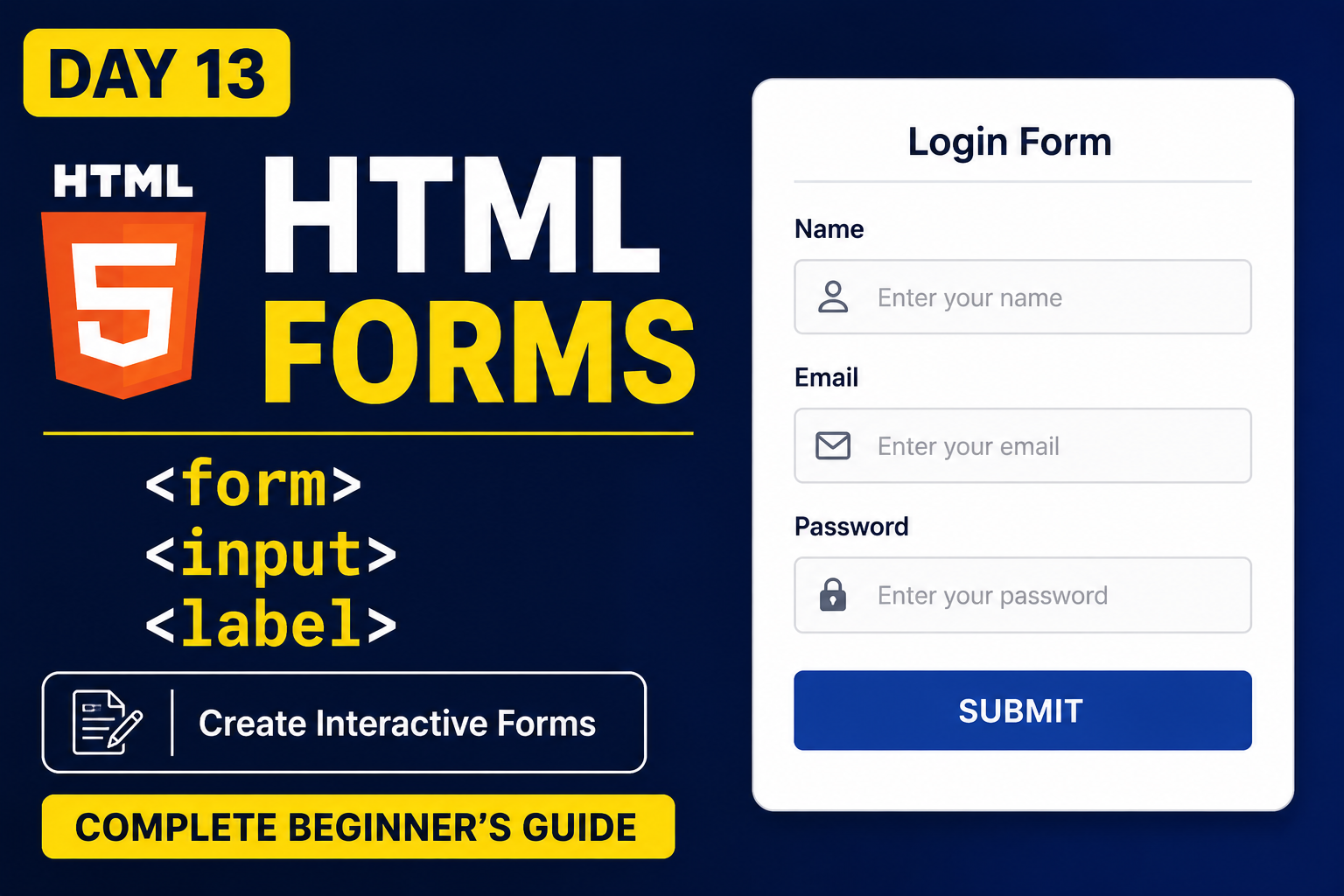
Forms are one of the most important parts of modern websites. Whether it's a login page, registration form, contact form, or feedback form, HTML Forms help collect information from users.
In this article, you'll learn how to create forms using the <form>, <input>, and <label> tags.
What is the <form> Tag?
The <form> tag is used to create a form in HTML. It acts as a container for input fields, buttons, and other form elements.
Example
<form>
</form>
All form-related elements are placed inside the <form> tag.
What is the <input> Tag?
The <input> tag is used to take input from users.
Example
<input type="text">
This creates a text input field.
Common Input Types
Text Input
<input type="text" placeholder="Enter your name">
Used to collect names, usernames, and other text information.
Email Input
<input type="email" placeholder="Enter your email">
Used to collect email addresses.
Password Input
<input type="password" placeholder="Enter your password">
Characters are hidden while typing.
What is the <label> Tag?
The <label> tag is used to provide a title or description for an input field.
Example
<label>Name:</label>
<input type="text">
Labels make forms easier to understand and improve accessibility.
Complete Form Example
<form>

  <label>Name:</label>
  <input type="text" placeholder="Enter your name">

  <br><br>

  <label>Email:</label>
  <input type="email" placeholder="Enter your email">

  <br><br>

  <label>Password:</label>
  <input type="password" placeholder="Enter your password">

  <br><br>

  <button type="submit">Submit</button>

</form>
Benefits of HTML Forms
Collect user information
Create login pages
Build registration forms
Create contact forms
Improve user interaction
Best Practices
Always use labels with input fields.
Use meaningful placeholder text.
Keep forms simple and user-friendly.
Use appropriate input types.
Conclusion
HTML Forms are essential for creating interactive websites. By understanding the <form>, <input>, and <label> tags, you can build login pages, registration forms, contact forms, and much more.
FAQs
1. What is the <form> tag used for?
The <form> tag is used to collect user input.
2. What does the <input> tag do?
The <input> tag allows users to enter information.
3. Why should we use labels?
Labels help users understand what information needs to be entered.
4. Can a form have multiple input fields?
Yes. A form can contain multiple input fields.
What's Next?
In the next article, we'll learn about HTML Radio Buttons and Checkboxes, which allow users to select one or multiple options.


