
HTML <header> Tag
Introduction
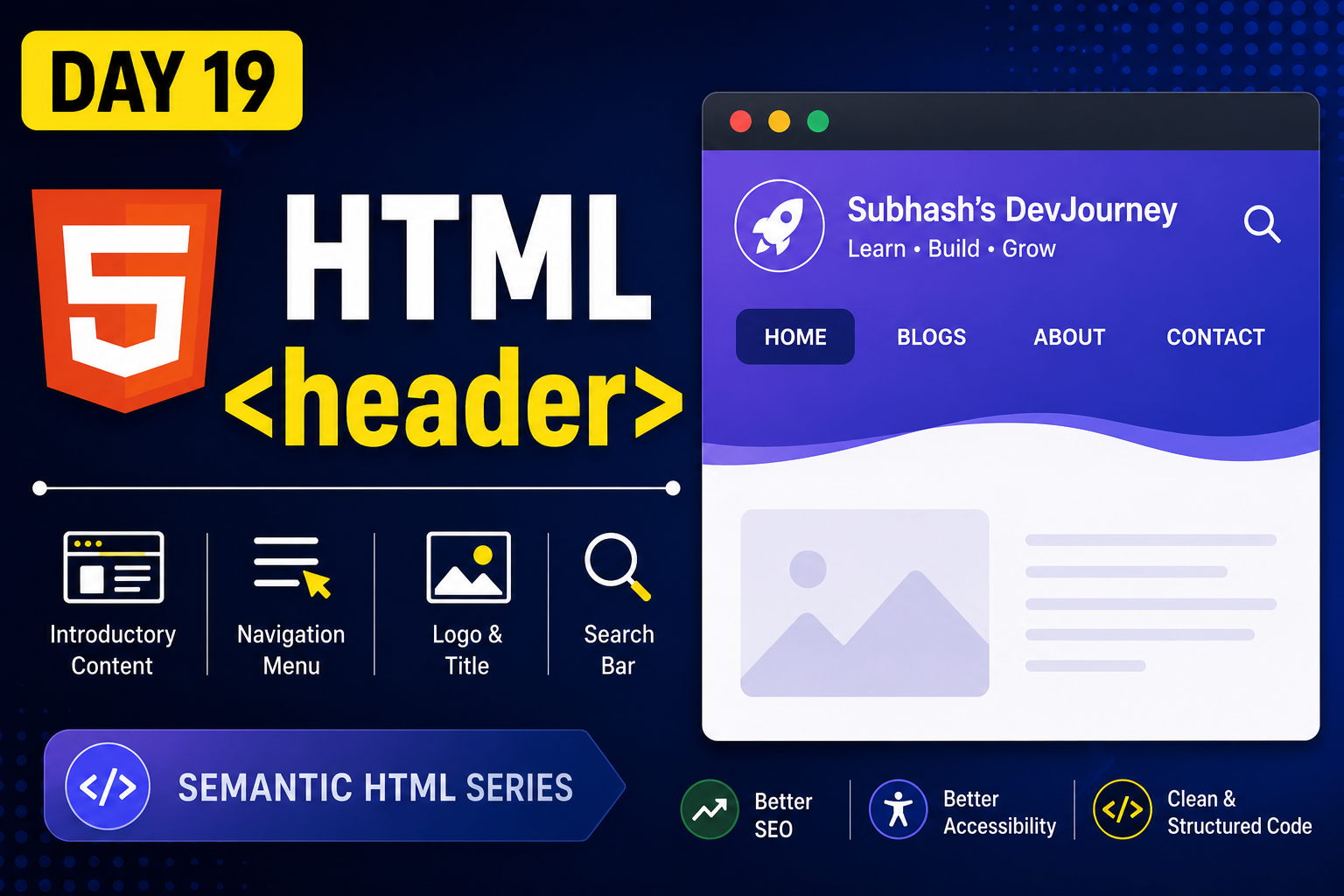
The <header> tag is a semantic HTML element used to define the top section of a webpage or a section. It usually contains the website logo, title, navigation menu, or introductory content.
Using the <header> tag makes your webpage more organized and improves SEO.
What is the <header> Tag?
The <header> tag represents introductory content for a webpage or a section.
Example
<header>
  <h1>My Website</h1>
</header>
This creates the top section of a webpage.
What Can Be Inside a Header?
A header can contain:
- Website Logo
- Website Title
- Navigation Menu
- Search Bar
- Introductory Content
Complete Example
<header>

  <h1>Journey With Subhash</h1>

  <nav>
    <a href="#">Home</a>
    <a href="#">Blogs</a>
    <a href="#">About</a>
    <a href="#">Contact</a>
  </nav>

</header>
Why Use the <header> Tag?
- Improves webpage structure
- Better SEO
- Easier for screen readers
- Makes code more readable
- Follows modern HTML standards
Best Practices
- Use one main
<header>for the webpage. - Keep important navigation inside the header.
- Avoid placing unrelated content inside it.
Conclusion
The <header> tag is one of the most important semantic HTML elements. It helps organize your webpage and makes it easier for browsers, search engines, and users to understand your content.
FAQs
1. What is the <header> tag?
It defines the introductory section of a webpage or section.
2. Is <header> good for SEO?
Yes. It helps search engines understand the webpage structure.
3. Can a webpage have multiple headers?
Yes. A page can have one main header and additional headers inside sections or articles.
4. What usually goes inside a header?
Logo, website title, navigation menu, and introductory content.
What's Next?
In the next article, we'll learn about the HTML <nav> Tag and how it is used for website navigation.


